
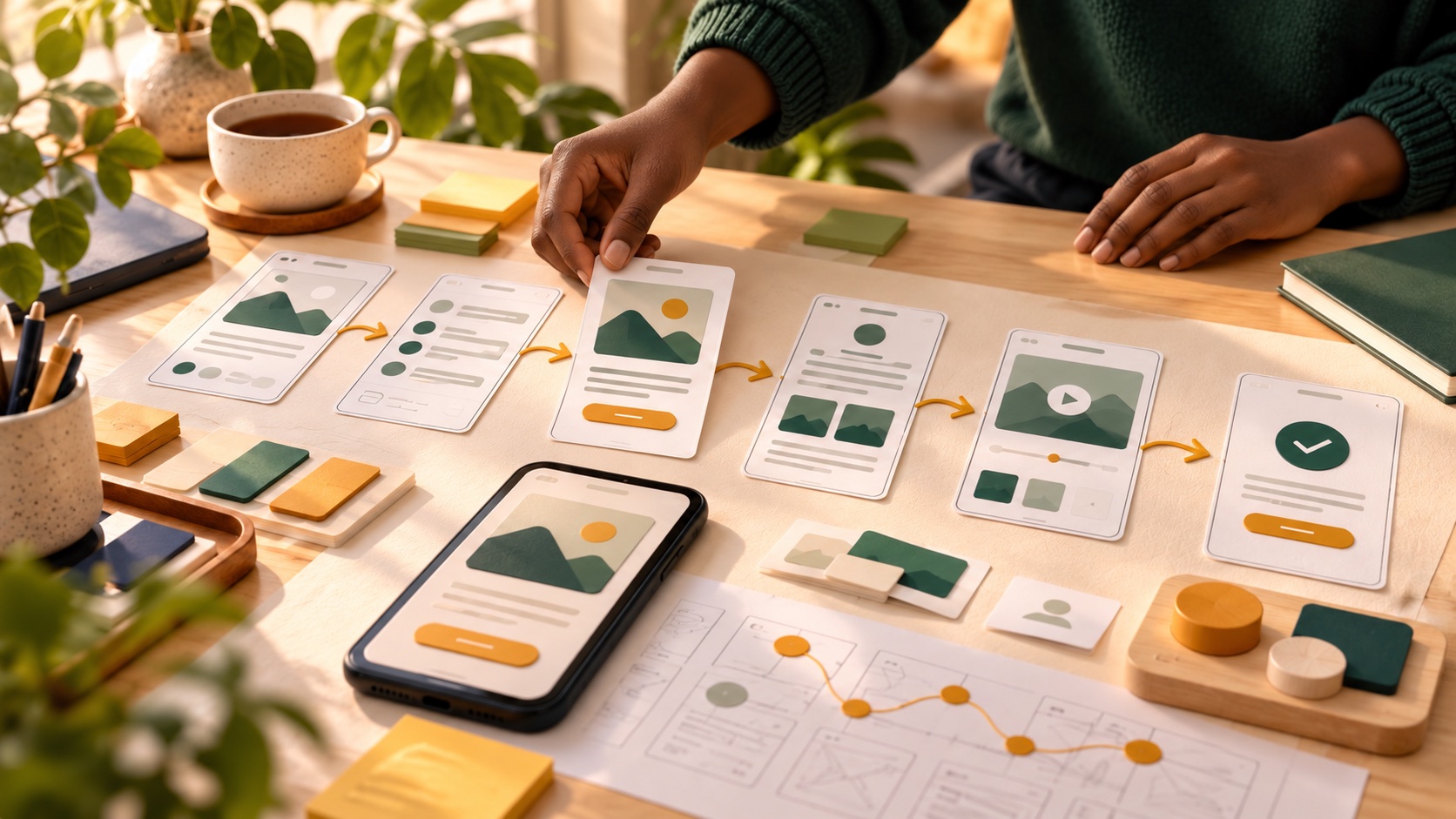
Quick takeaway: UX design is less about making things look pretty and more about making things easy to use. You can start by improving an app or website you already use.
UX stands for user experience. A UX designer helps make websites, apps and services simple, clear and pleasant to use. If you have ever been annoyed by a confusing form or a checkout that would not work, you have felt bad UX.
What UX designers actually do
The work usually follows a loop:
- Research. Talk to users, watch how they behave and find their problems.
- Define. Describe the problem clearly and decide what to solve first.
- Design. Sketch ideas, build simple wireframes and then more detailed screens.
- Test. Show the design to real people and watch where they struggle.
- Improve. Change the design based on what you learned and repeat.
Notice that visual polish is one part among many. A good designer spends as much time listening and testing as drawing.
UX and UI: what is the difference?
People often say UX/UI together. In simple terms, UX is how the product works and feels, and UI is how it looks. Many entry-level roles blend both.
Skills to learn first
- Empathy and curiosity. Understanding what people need.
- Basic research methods. Short interviews and simple surveys.
- Wireframing. Rough layouts that show structure before style.
- A design tool. One of the common screen design programs. Pick one and learn it well.
- Clear writing. Button labels, instructions and error messages matter.
- Feedback. Showing work early and accepting criticism.
Who tends to enjoy it
UX can suit you if you like solving everyday problems, noticing details and thinking about other people. You do not need to be an artist, though some visual sense helps.
A first project you can do this week
Choose an app or site you use that frustrates you, such as a school portal or a local business page.
- Write down three problems a user faces.
- Sketch a better version of one screen.
- Show the sketch to two people and ask them to explain what they would do on it.
- Adjust the design based on what they say.
- Write a short case study: the problem, your process and what changed.
This single project teaches the whole loop. Read how to build a portfolio with no experience to present it well.
Common mistakes
- Starting in the design tool. Understand the problem first.
- Designing only for yourself. Test with people unlike you.
- Copying trendy styles. Focus on whether it works.
- Showing only finished screens. Show your thinking too.
Where UX jobs are
Entry-level titles include junior UX designer, product designer and UX researcher. Many companies hire these roles remotely, and a good portfolio can matter more than a degree. See how to land your first remote job.
Next step
If UX appeals to you, spend a week on the first project above. Then compare routes to learn more in self-study, short course or guided programme. The Jovlis Job-Ready Programme can guide you from beginner to portfolio. Explore the programme.
Share this guide with someone building their next career step.